 Phinsh
Shape Collage: Make a Photo Collage in Any Shape
A shape collage packs your photos into a heart, number, map or paw print. See examples, how it differs from a photo mosaic, and how to make one in Phinsh.
In this article
When you think of a photo collage, what comes to mind? Probably a standard grid of squares, right? While classic, it’s a format that often feels restrictive and uninspired. But what if you could break free from the grid and transform your photo collection into a true photo montage—a piece of art where your memories form a single, meaningful shape?
This is the magic of a shape photo collage. It’s not just about placing photos next to each other; it’s about using them as building blocks to create a larger, more impactful image. The difference is stunning, as a high-quality shape collage maintains the integrity of the design, unlike messy alternatives.
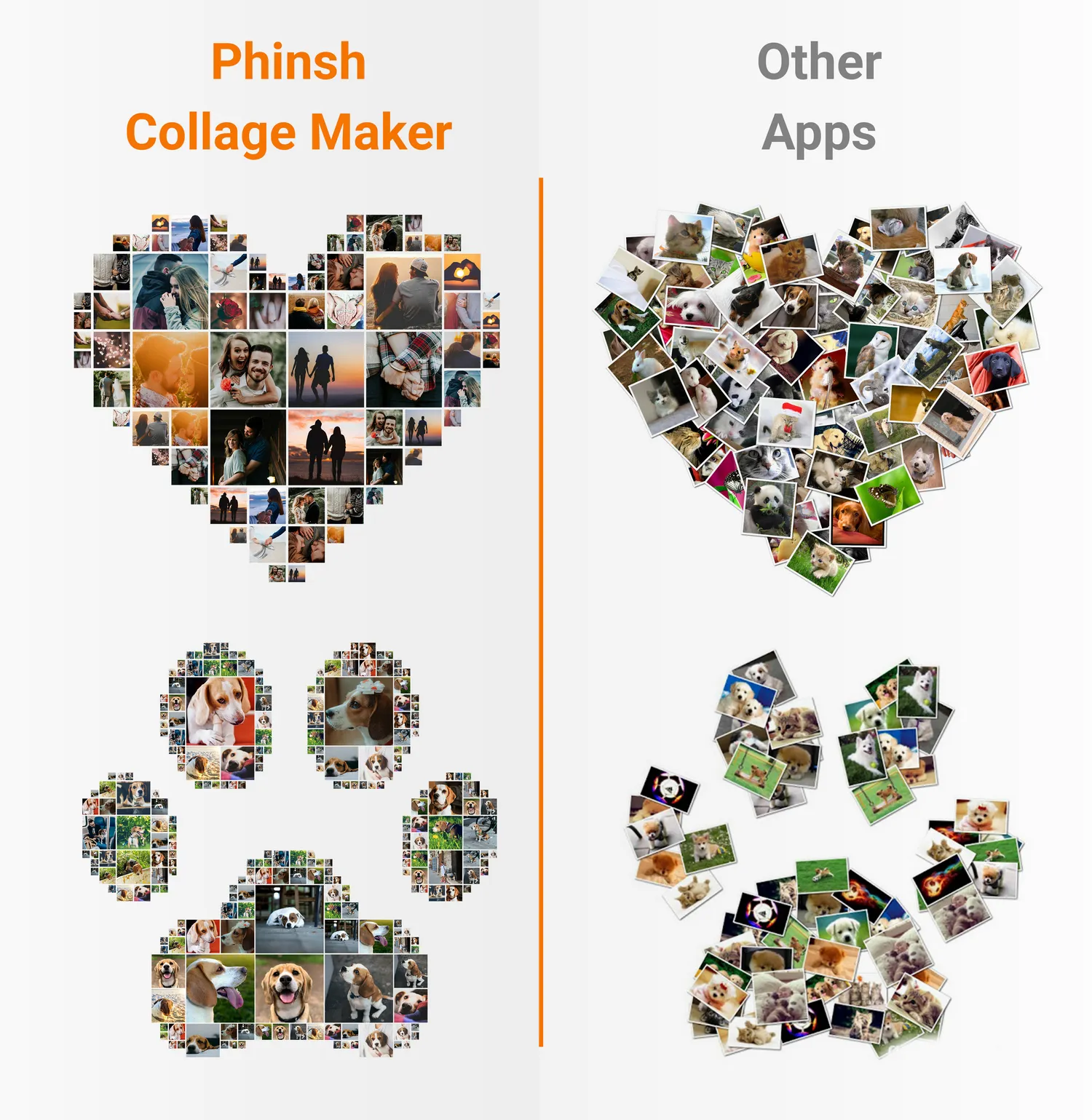
From Simple Grids to Framed Photo Collage Prints
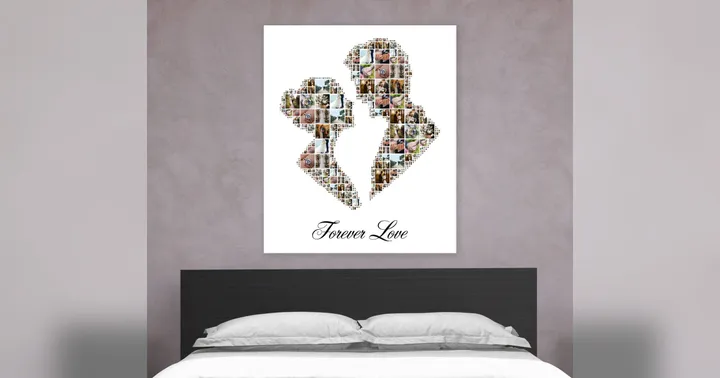
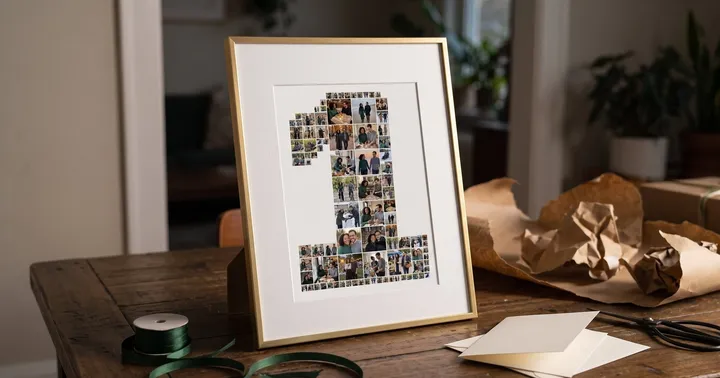
A shape photo collage is a versatile art form, also known as a photo mosaic. It turns a simple collection of pictures into a personalised collage photo frame-worthy piece. Instead of just seeing individual photos, you see a cohesive whole—a heart, a number, a map, or even a beloved pet’s paw print.
This technique turns your digital memories into tangible art perfect for:
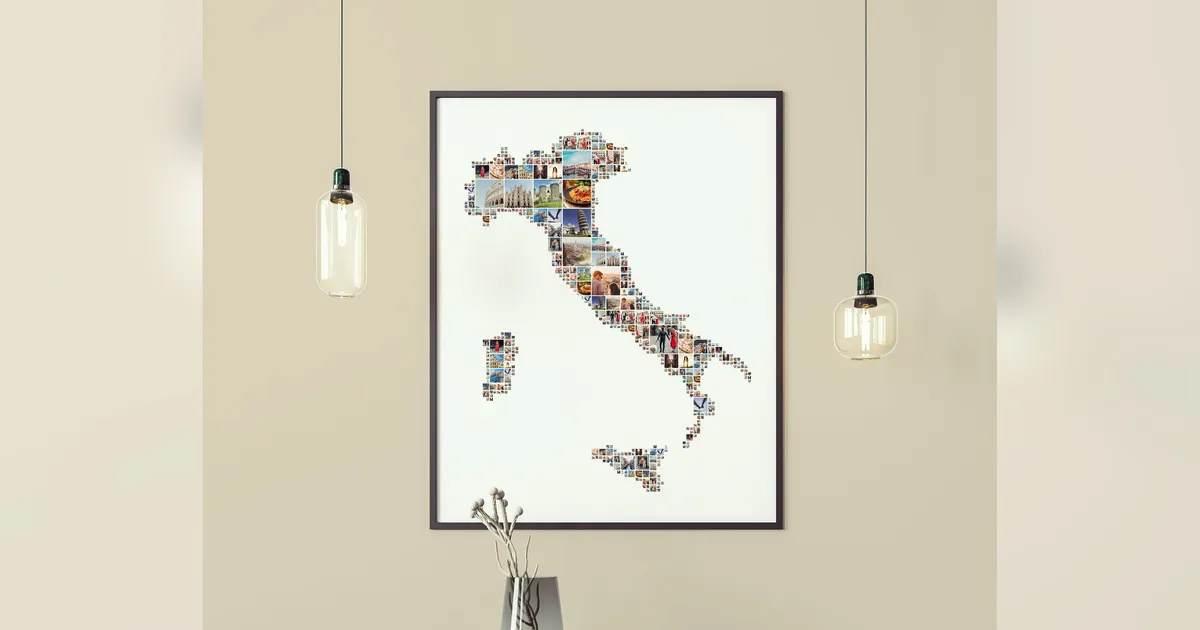
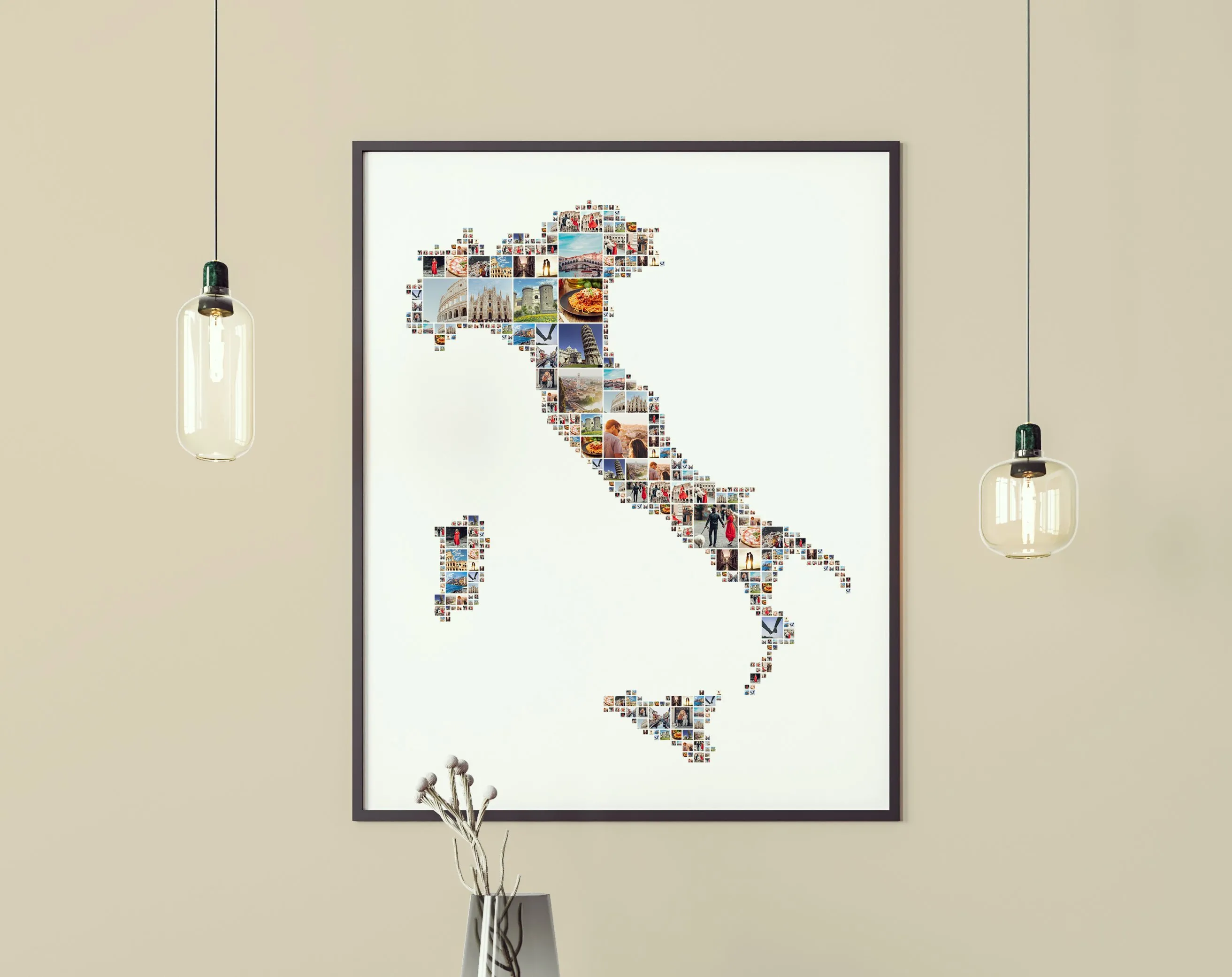
- Stunning Wall Art: Imagine your vacation photos forming a map of Italy, beautifully framed and hanging in your living room. It’s more than a decoration; it’s a story. A custom photo montage makes for incredible framed collage photos.
-
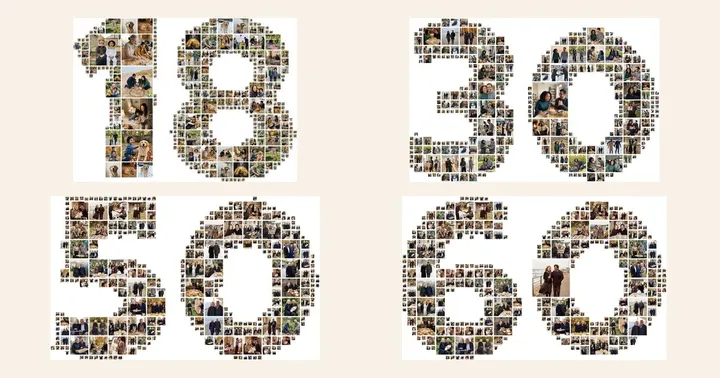
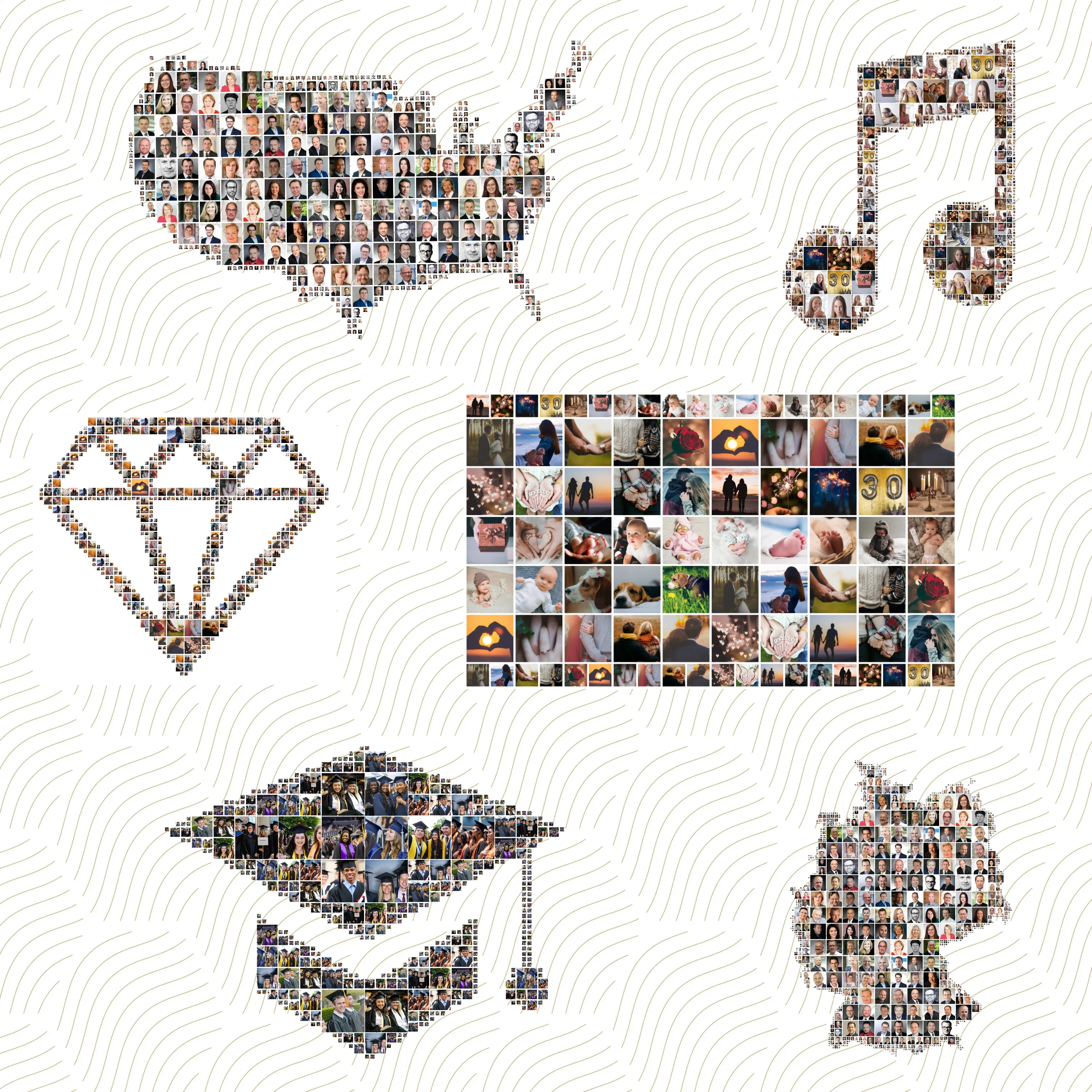
The Perfect Personalised Gift: A heart shaped photo collage is a romantic gift for an anniversary or a wedding. For a milestone birthday, a collage in the shape of the number “50” or “30” creates an unforgettable keepsake. See more collage ideas, anniversary photo collage ideas and photo collage gift ideas.
-
Commemorating Events: Gather all the photos from a graduation and form them into a graduation cap. Or celebrate a new baby with a collage in the shape of a footprint or a teddy bear.
Introducing Phinsh: The Ultimate Shape Collage Maker
Creating a detailed and beautiful shape collage used to require complex software and design skills. Not anymore. With Phinsh Collage Maker, you have a powerful and intuitive tool right on your phone.
Our app stands out because it allows you to:
- Use Unlimited Photos: Create a rich, detailed photo mosaic without frustrating limits.
- Choose from nearly 400 Shapes: From maps and symbols to animals and numbers, the creative possibilities are endless.
- High-Resolution Export: Save your work in a quality that’s perfect for creating beautiful framed photo collage prints: up to 6000px on your phone and up to 12000px in the web app.
- Create Custom Shapes: Turn any photo from your gallery into a unique collage template.
How to Create Your Framed Collage Photo Art
- Download Phinsh Collage Maker: The app is free to start on iOS and Android.
- Select Your Photos: Choose all the memories you want to include.
- Pick Your Shape: Select a shape from our vast library, or create your own.
- Customize & Save: Adjust the photo size and spacing, then save your high-resolution photo montage. Now it’s ready to be sent to your favorite printing service to create your personalised collage photo frames!
Transform Your Photos into Art Today
Ready to move beyond the boring grid? Download Phinsh Collage Maker and start creating stunning shape photo collage art that tells your unique story. You can also use our powerful web app to create directly on your desktop!
Launch Web App | Download on the App Store | Get it on Google Play
Find more inspiration in the Phinsh gallery.
Frequently asked questions
What is a shape collage?
A shape collage fills a shape, such as a heart, a number, a map or a paw print, with many small photos instead of placing them in a grid. From a distance you see the shape, and up close you see each picture.
Is a shape collage the same as a photo mosaic?
They are close cousins. A photo mosaic usually rebuilds one big picture out of small photos, while a shape collage fills a silhouette with your own pictures. Phinsh makes shape collages, so the result is a clear outline made of your photos.
How many photos can I use in a shape collage?
Phinsh has no limit on the number of photos. The more photos you add, the smaller each one becomes and the denser the collage looks.
Which shapes can I choose from?
The app has nearly 400 built-in shapes in categories such as animals, nature, maps, symbols, love, food and sport. You can also type a word, a name or a number, or turn your own image into a custom shape.
How do I print a shape collage?
Save the collage as an image and take it to any print shop or online print service. Phinsh does not print for you. A larger export size gives a sharper print: up to 6000px on mobile and up to 12000px in the web app.